Intelligent Software Systems
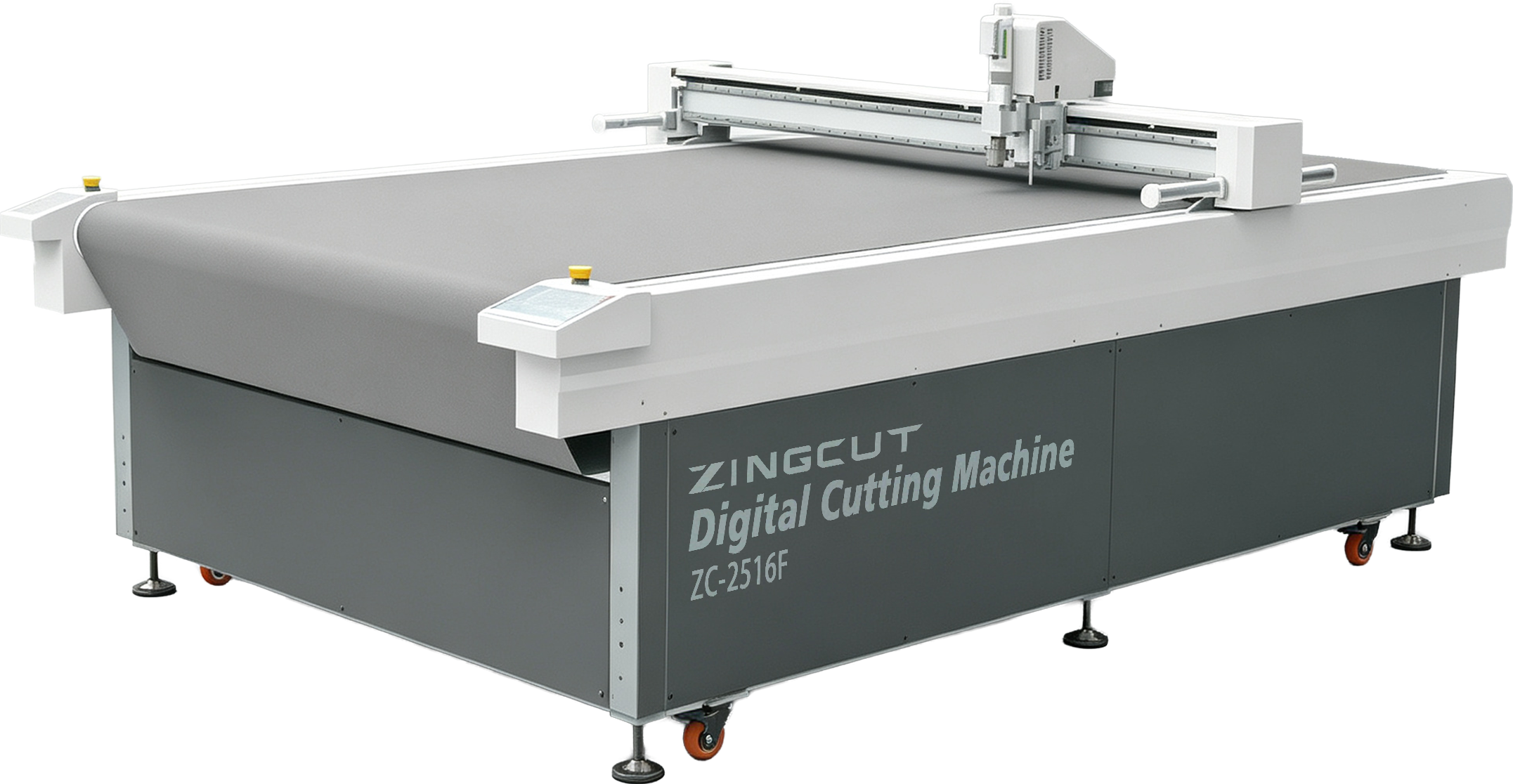
The intelligent software suite acts as the central control core of the oscillating knife cutter, commanding all machining movements.
The oscillating knife cutting equipment is a high-end processing workstation, while its supporting intelligent software forms the full digital operation system. The seamless combination of hardware and software delivers ultra-precise, high-speed and flexible cutting performance to manufacture flawless finished parts. This software system stabilizes machining accuracy, slashes raw material consumption, and transforms the cutting machine into a digital production advantage for your factory:
- Motion Control Software:Precision operation core, accurately executing all cutting trajectories.
- Material Identification Software:Intelligent sensing module, automatically identifying substrates and switching corresponding cutting modes.
- Visual Positioning Software:High-accuracy calibration module, locking cutting positions instantly.
- Automatic Nesting Software:Material layout optimizer, arranging patterns to boost raw material utilization.
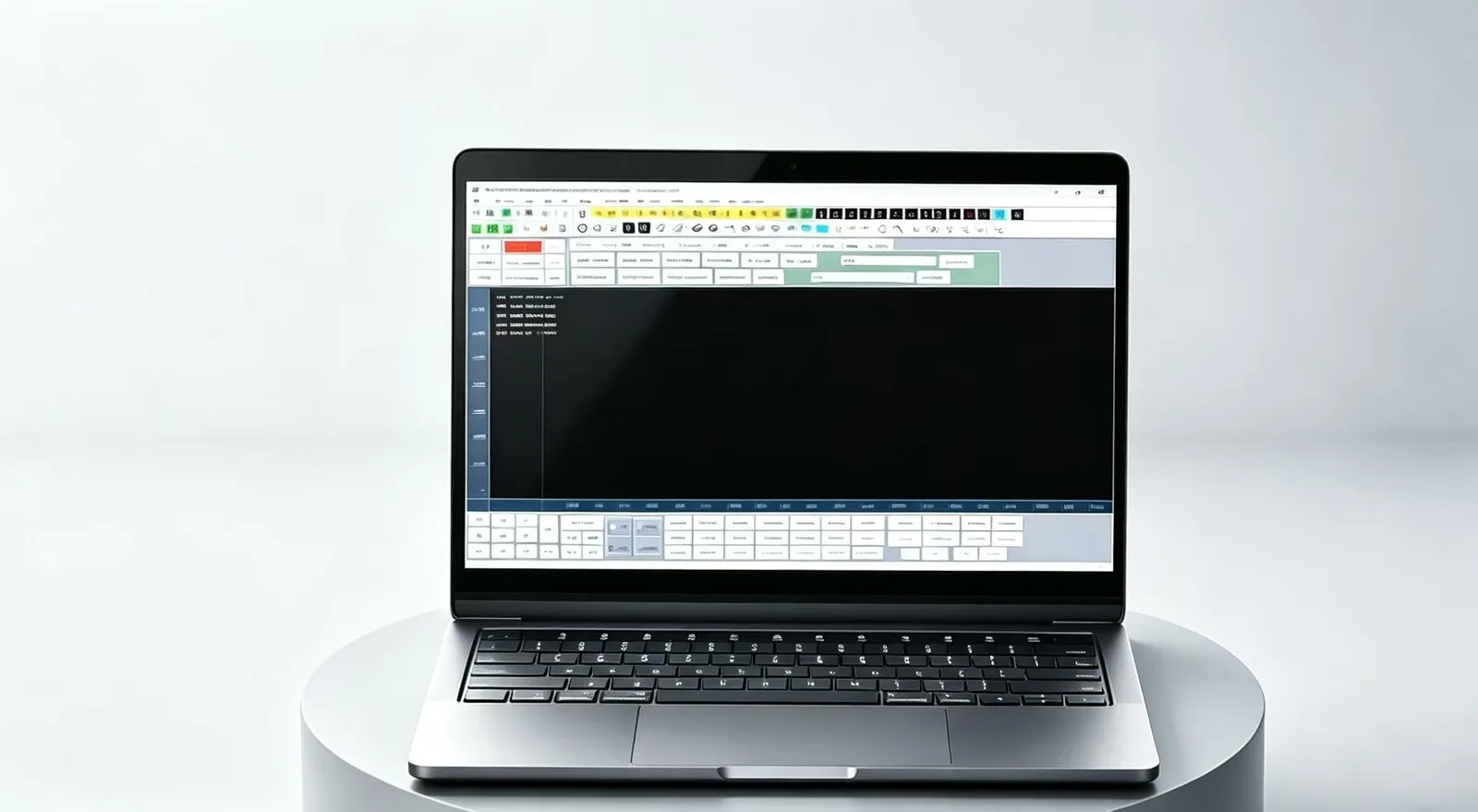
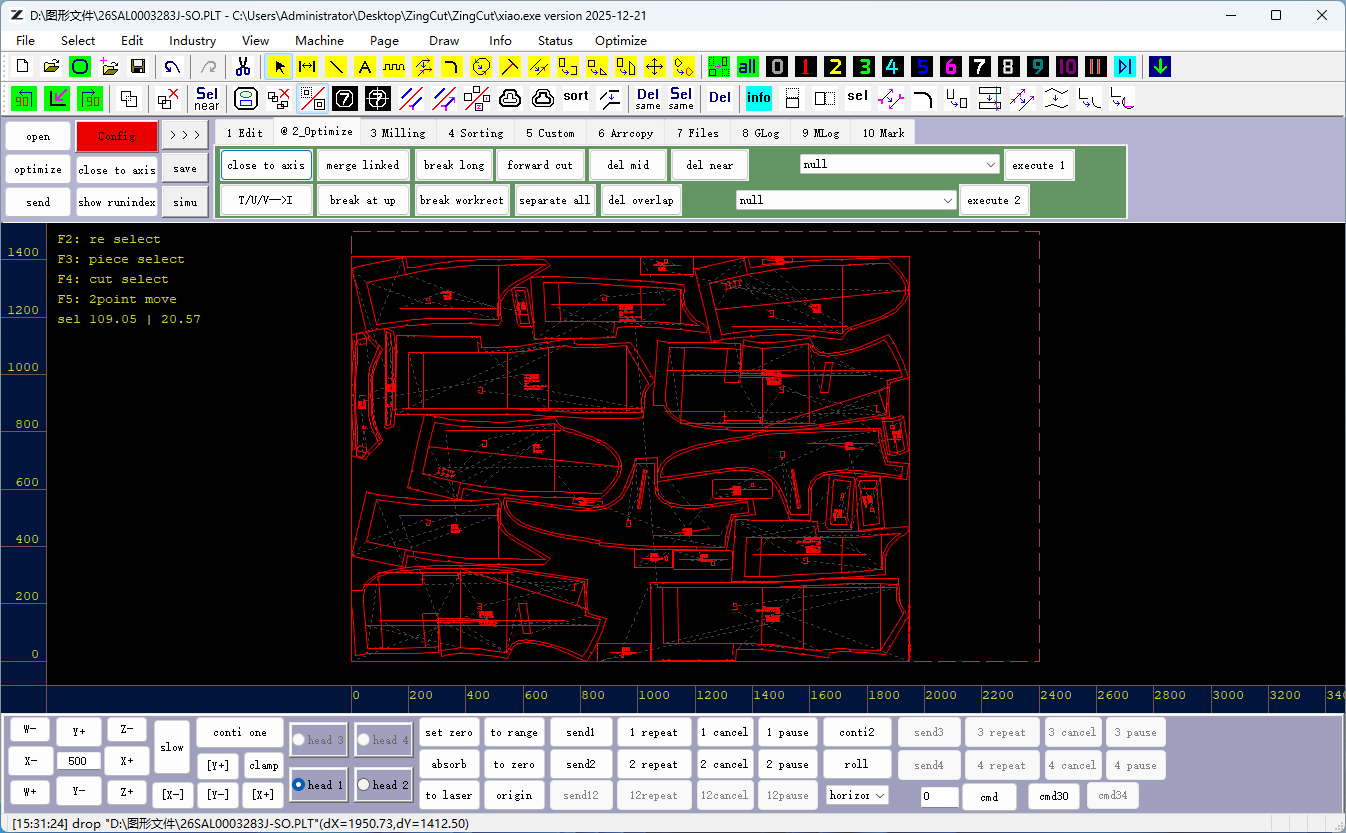
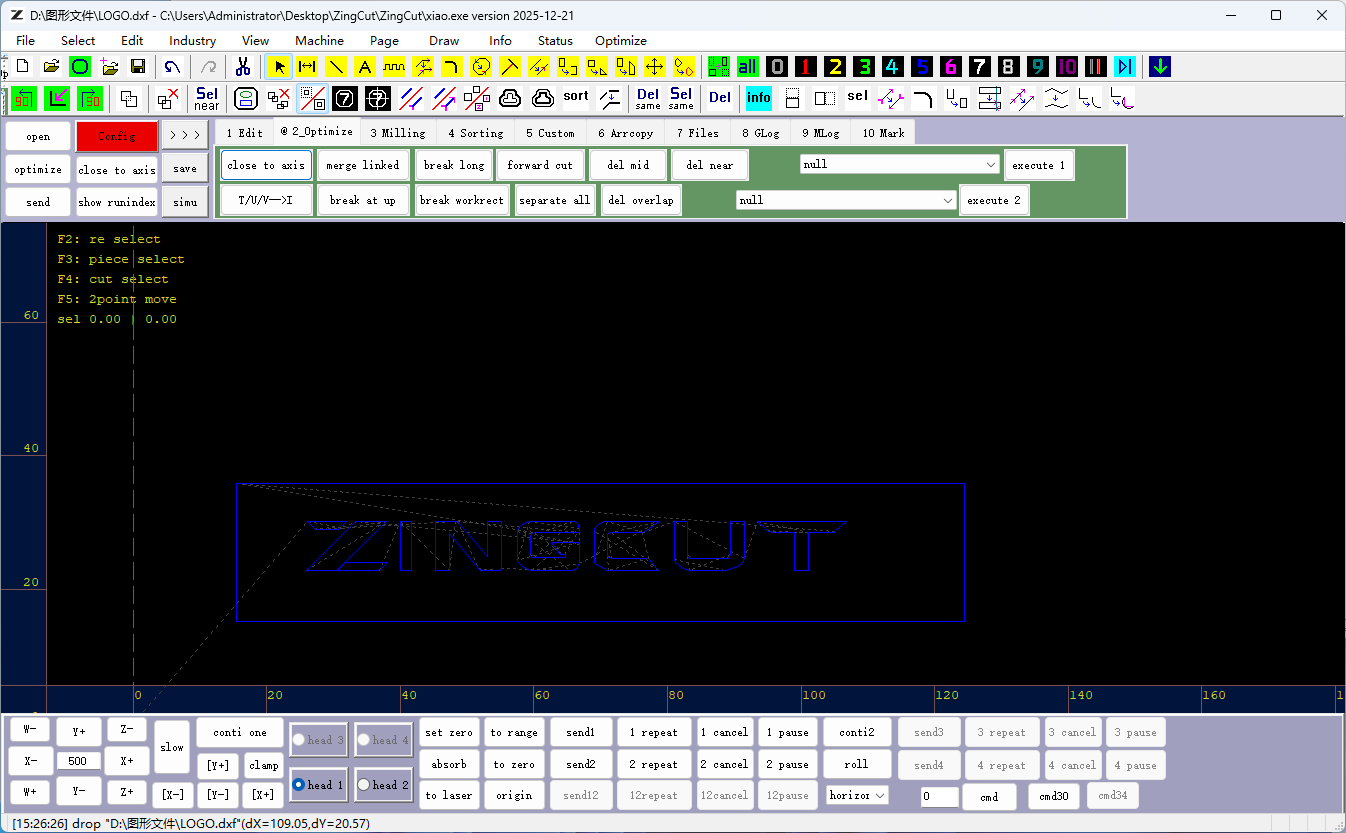
Our intelligent cutting software features a concise and intuitive layout, with a functional top menu bar that integrates file management, graphic editing, industry tools and parameter configuration. The well‑organized interface lowers operation barriers, streamlines cutting workflows and improves overall production efficiency.
Software Layout
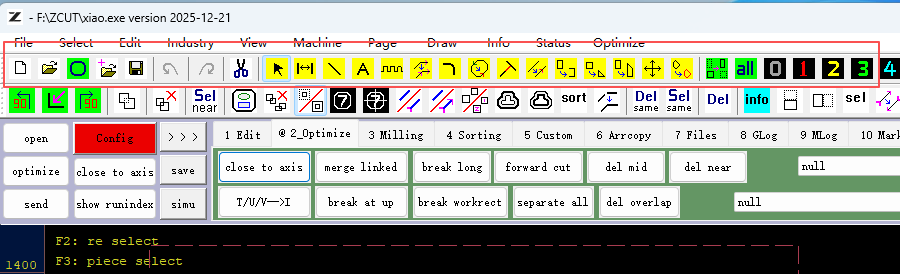
Top Menu Bar
The top menu bar covers file import, export, save and parameter management, as well as graphic selection, copy, rotation, scaling and layer sorting.
It offers professional tools for advertising, garment and milling industries, supports intelligent nesting & splitting to improve material utilization, and draws basic shapes, curves and industry patterns.
It adjusts view grids and markers, displays real‑time dimension and node data, and allocates tasks for dual‑head cutters.
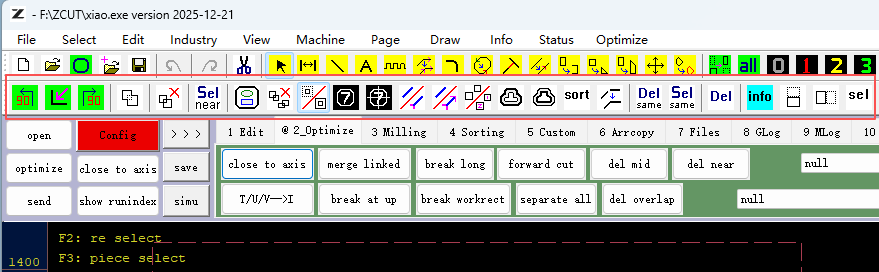
Central Toolbar
The central toolbar offers quick‑access icons for file handling, including canvas reset, multi‑format & batch import, plus multi‑level undo‑redo. It also provides selection, measurement, line‑drawing and text‑markup tools for precise graphic drafting.
It supports graphic modification and transformation, such as line splitting, fillet, start‑point adjustment, copy, rotation and axis alignment, to streamline layout and contour editing.
It delivers positioning aids including camera recognition, key‑point display and graphic numbering. It also features toolpath optimization, overlap removal and multi‑functional notch tools to boost cutting accuracy and production efficiency.
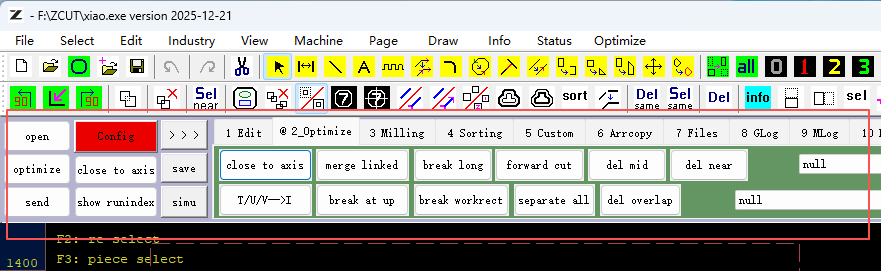
Side Shortcut Panels
The Side Shortcut Panels gather frequently‑used graphic editing and optimization tools for one‑click quick operation.
The editing panel supports inverse selection, combine/break‑apart, array copy, rotate/mirror, graphic centering and deletion. The optimization panel provides axis snap, line merging, line splitting, redundant‑node and overlapping‑line removal.
It also delivers dedicated milling‑cutter functions including contour offset, slotting and toolpath processing. The manual‑sorting panel lets users freely adjust processing sequences to customize cutting paths.
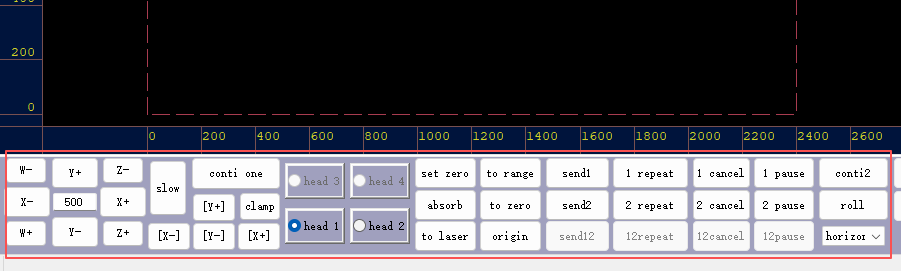
Bottom Toolbar
This is the core hub for software‑hardware interaction, linking graphic design to physical cutting.
It delivers task controls including one‑click task sending and auto‑cycle cutting, alongside material feeding, clamping and suction fixing. Zero‑setting and origin‑return calibration ensure cutting accuracy.
It displays real‑time coordinates, processing time and piece counts with limit protection. Integrated start, pause, stop and idle‑travel keys enable direct equipment operation.
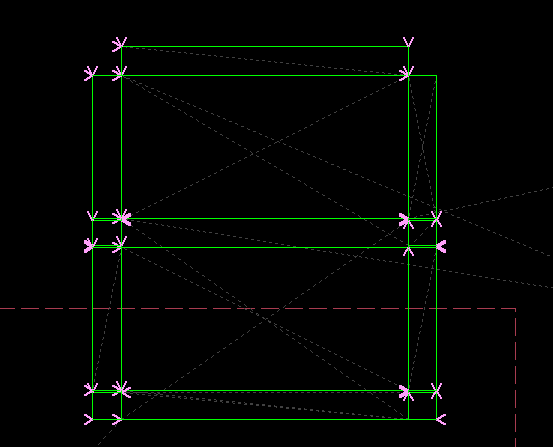
Intelligent Toolpath Optimization
Core Function
Our software’s core capability, Intelligent Toolpath Optimization, leverages advanced algorithms to automatically analyze complex graphics and generate efficient cutting paths, minimizing manual work while ensuring quality and efficiency.
- Automatic Recognition:Identifies enclosed shapes and inner/outer contours for error-free nesting and cutting
- Path Optimization:Plans the shortest cutting path to reduce idle travel, boosting speed without losing accuracy
- Overcut Compensation:Automatically adjusts blade paths to meet strict dimensional requirements
- Smoothing Processing:Eliminates micro-serrations for cleaner edges and a better surface finish
From visual positioning and automatic nesting to precise toolpath calculation, our intelligent systems reduce manual operation errors, save raw material costs and greatly improve overall cutting efficiency for small-batch sampling and mass manufacturing alike.
ZINGCUT is equipped with a full set of independent intelligent software systems that run the whole digital cutting workflow from file import to finished cutting. These professional modules are specially developed for flexible material processing, bringing automation and intelligence to your production line.
Software Design
Feature
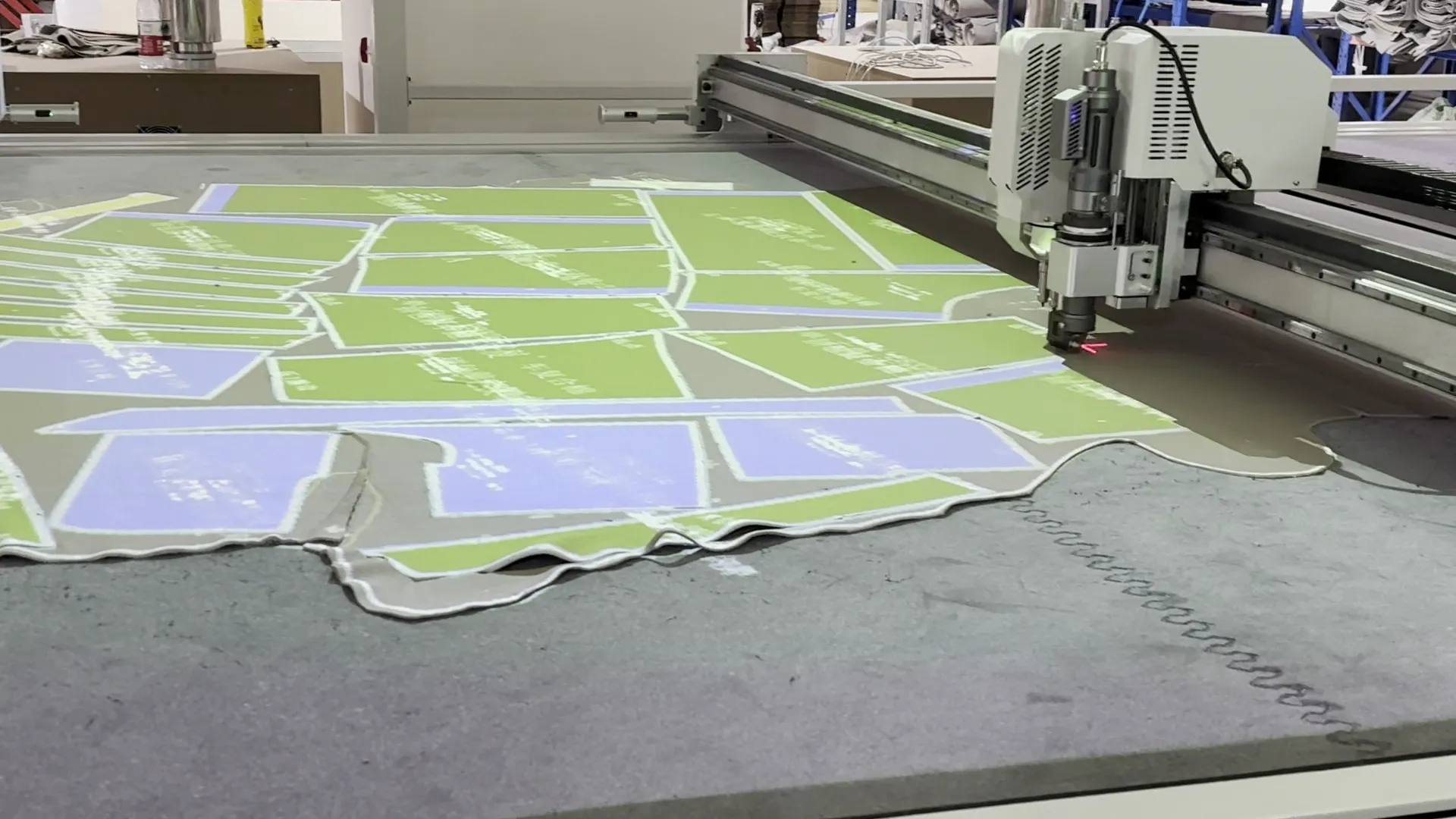
Version Software
Camera system recognizes cross/circle markers to align sheets and calibrate cutting paths automatically
- Fast positioning without strict sheet alignment
- Clear display of cutting nodes for easy operation
- High precision, less material loss
- Ideal for printed graphic cutting
Automatic Nesting Software
Intelligent algorithm arranges parts compactly on sheets with graphic splitting & mixed layout
- Higher material utilization to save costs
- Minutes of automatic layout vs hours of manual work
- Supports mixed-size parts and leftover reuse
- Less idle tool travel for faster cutting
Control Software
ZINGCUT Control Software delivers contour offset, slotting and toolpath optimization for batch cutting of advertising, packaging, apparel and composites.
- Optimized toolpaths, minimal manual setup
- Batch uniform T/U/V slots
- Fillet & start tuning for smooth edges
- For advertising, packaging, apparel, composites industry and so on.......
This video demonstrates the complete operation of our cutting software
- Import design drawings
- Configure material cutting parameters
- Run automatic nesting layout
- Apply visual positioning calibration
- Simulate and start cutting production
How to use
operation video
Download
ZINGCUT cutting machine series includes static table, conveyor table, dual and triple table models. Meet diverse cutting demands for flexible materials across various industries.
Product
ZINGCUT Machine Series
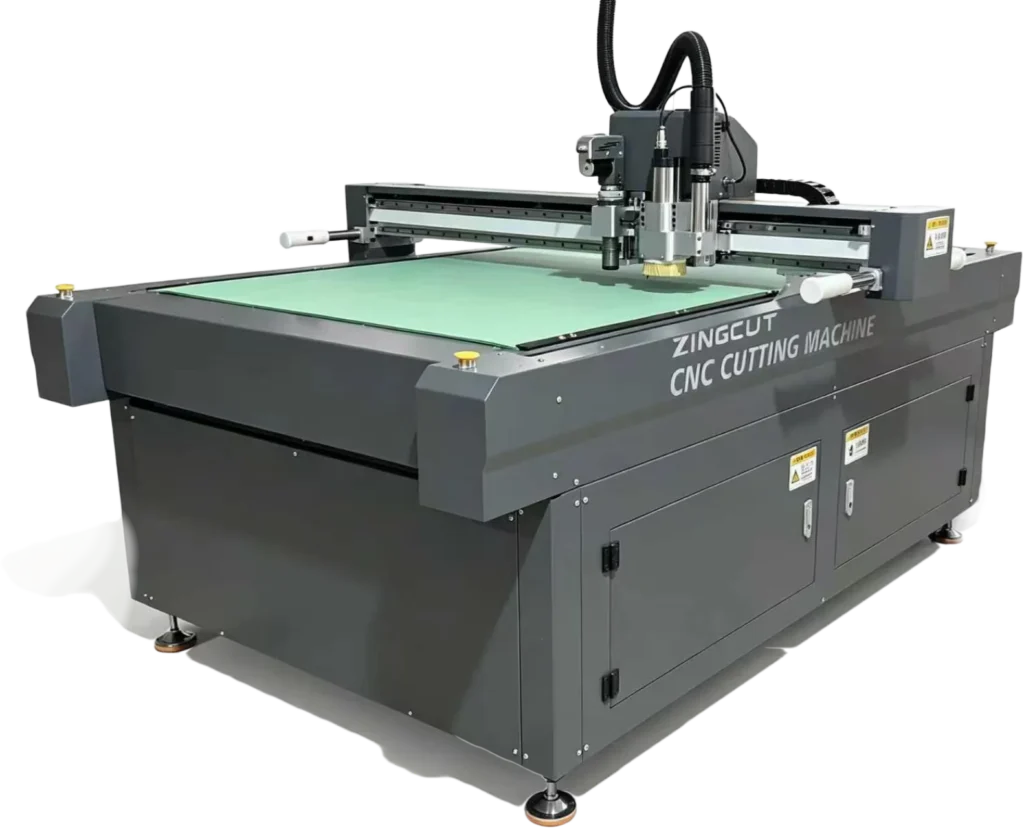
Static Table
The static table cutting machine delivers precise cutting for sheet materials, widely used in packaging and advertising industries.
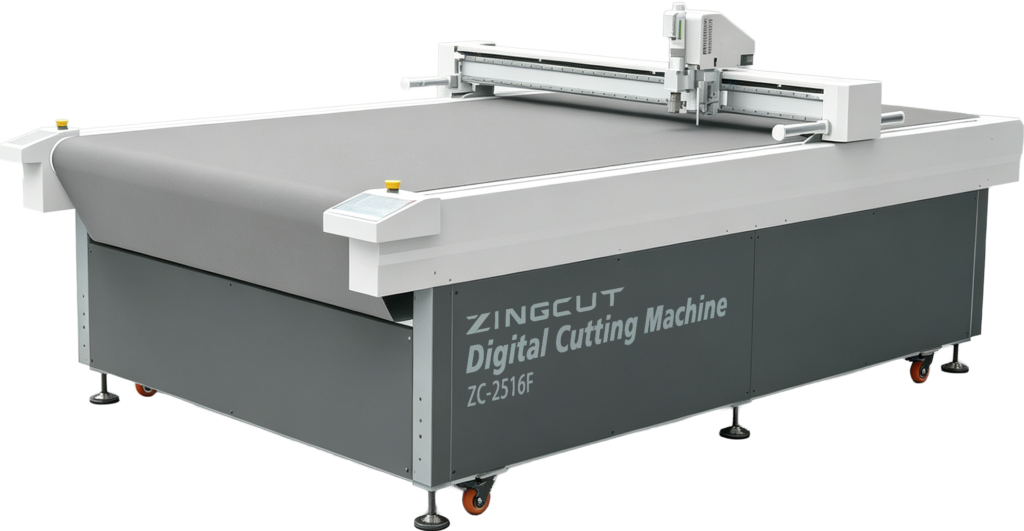
The conveyor table cutting machine supports continuous cutting for rolled materials. It is widely applied in apparel, footwear and furniture industries.
F/SCF Series
Conveyor Table
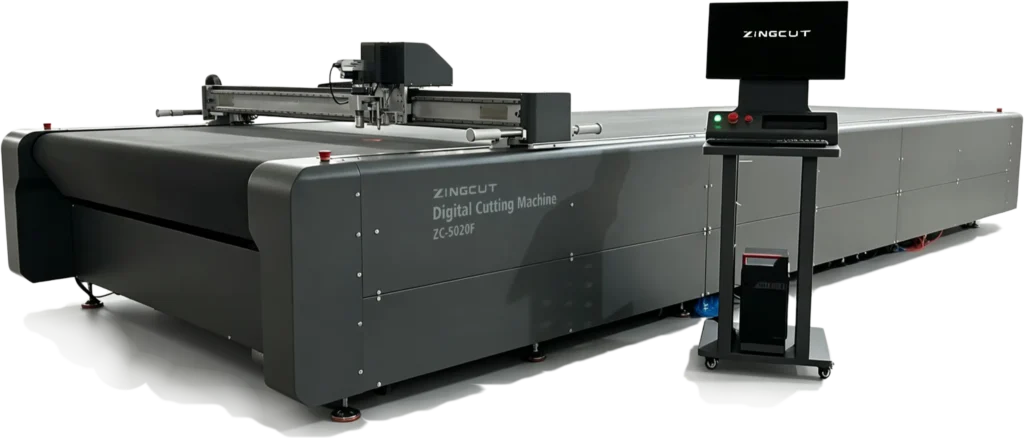
The S-F Series dual/triple-station cutting machine boosts productivity and cuts labor costs. It works well for rolled materials and leather for multiple industries.
S-F Series
Dual/Triple-Sation Machine
Free Trial
Ready to see what our software can do for you? Sign up for a free trial and unlock access to the full suite of smart cutting features. Experience faster setups, cleaner cuts, and higher efficiency — no credit card required. It’s the easiest way to find out if our solution fits your needs before you commit
We respect your privacy — your contact details will remain confidential