Introduction
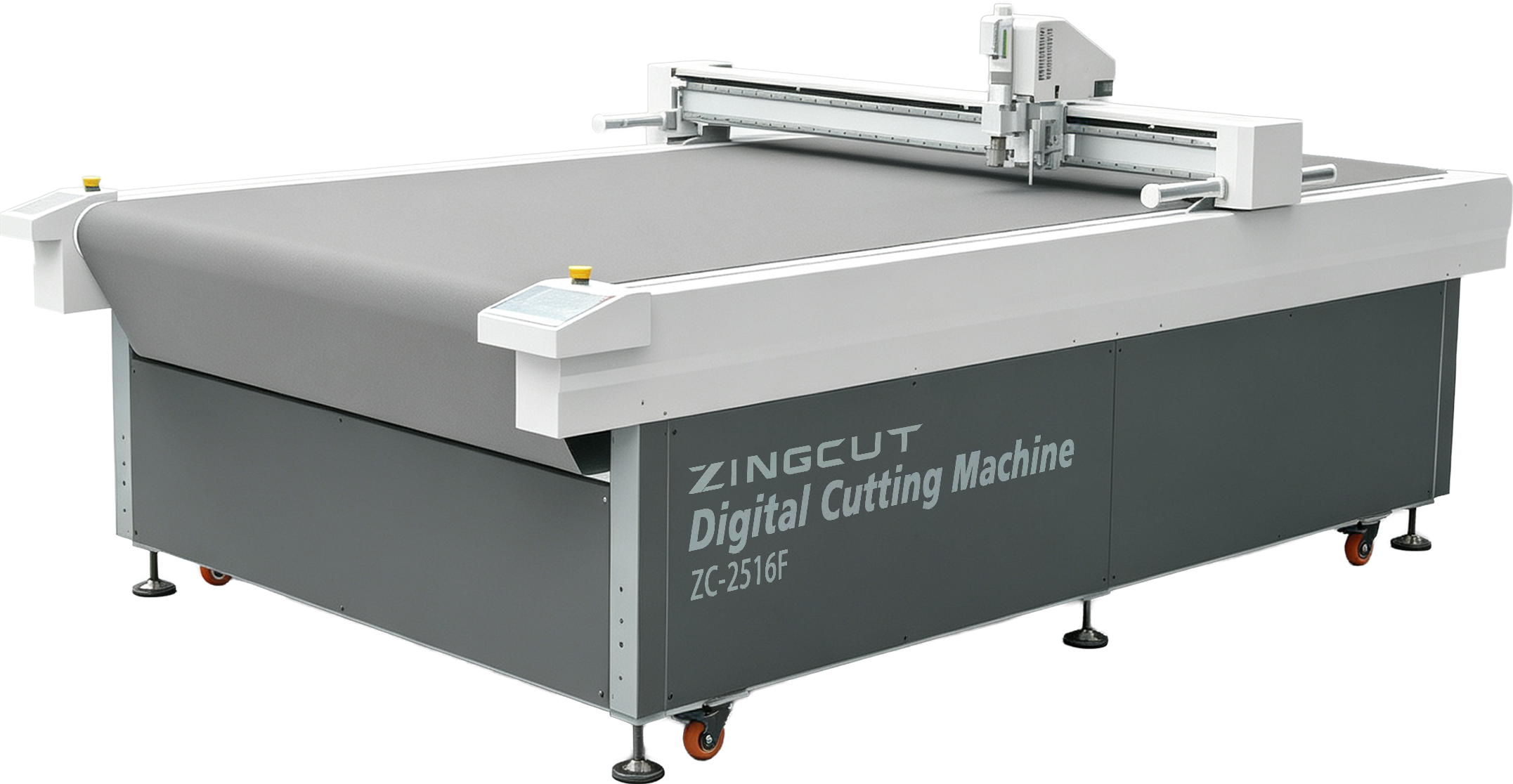
Choosing a cardboard cutting machine that fits your production needs starts with your material, thickness, sheet width, and order batch size—not with the highest specifications or the lowest price. A suitable machine should hold the board steadily, change orders quickly, reduce waste, and help new operators learn fast. Chasing low price or peak speed often brings hidden costs: slow tool changes, uneven edges, and hard-to-clean debris. This article covers requirements, machine operation, what packaging producers care about most, software, and supplier service to help you judge whether a cardboard cutting machine truly matches your production.
1. Why Requirements Determine Your Choice
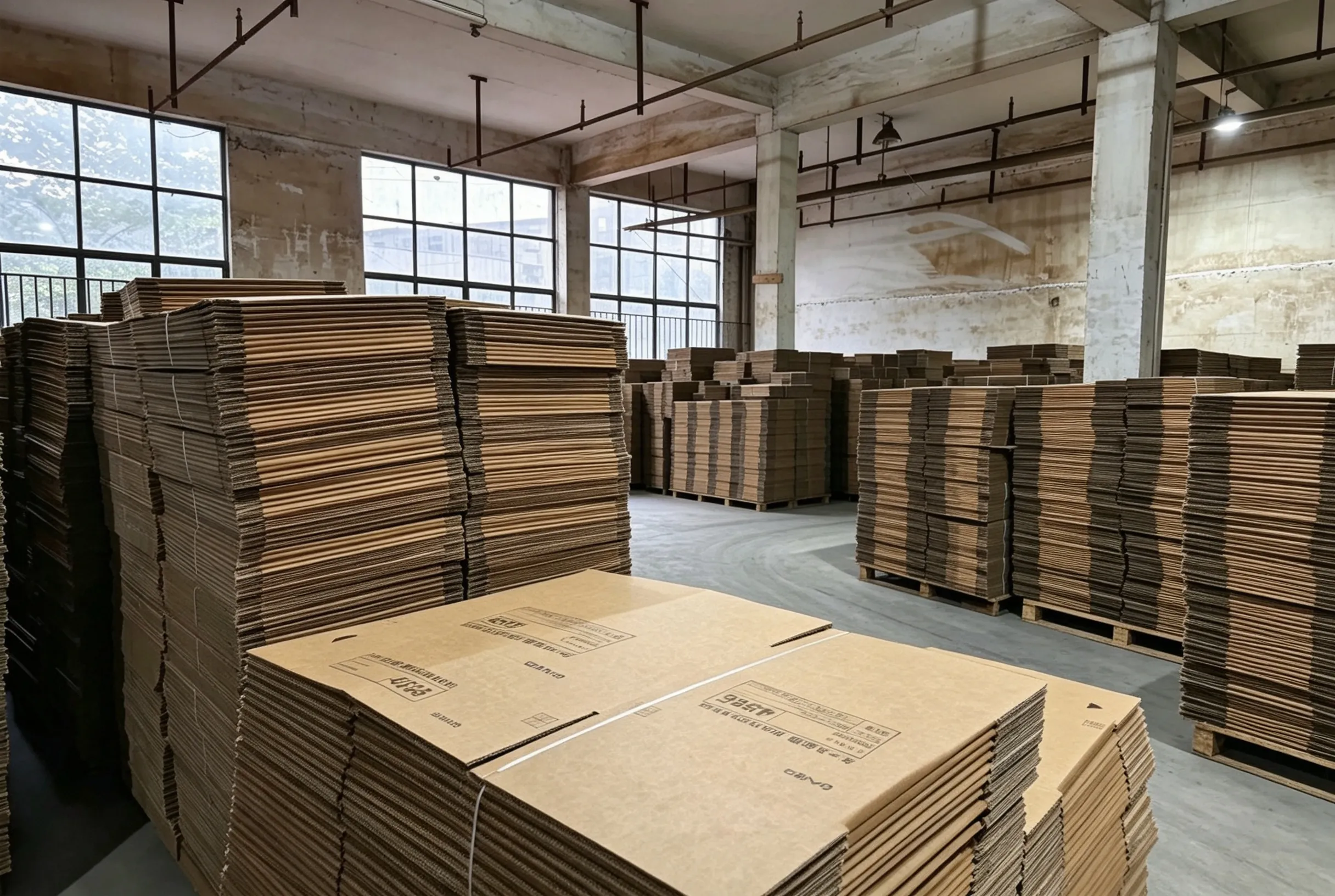
Define your incoming material, output volume, and processes first, then choose the machine model. If requirements are unclear, higher specifications often mean a more expensive mistake.
1.1 How Materials Affect Cutting
Material is the starting point of every cutting decision. Different boards behave differently under the knife—some crush easily, some wear tools quickly, and some produce fuzzy edges. Before comparing machine models, identify the board types you cut most often and the difficulties they bring, then match those difficulties to the right knife and vacuum configuration.
| Material Type | Cutting Difficulty | Selection Focus |
|---|---|---|
| Single-layer corrugated board | East to crush, fuzzy cut edges | Oscillating knife, vacuum hold-down |
| Double /triple-layer corrugated board | Large thickness, high resistance | Tool head power, knife shaft rigidity |
| Honeycomb board | Easy to collapse, uneven cuts | Zoned vacuum, vibration frequency |
| Thick grey board/cardboard | Fast tool wear | Wear-resistant blades, cutting pressure |
| Coated/laminated board | Edge fuzzing, blade temperature rise | Knife tyoe and speed matching |
1.2 Clarify Your Output Requirements
Output volume decides how much machine you actually need. A machine sized for continuous mass production can be wasteful for sampling work, while an entry-level model can become a bottleneck when orders grow. Clarify your batch pattern first, then choose the configuration direction that matches it.
· Small batch — sampling, multiple varieties, frequent order changes; focus on tool change speed, software nesting, and trial-cut cost; choose single head/quick-change holder for flexibility; a small cardboard cutting machine is also suitable for small-batch sampling.
· Medium batch — stable orders, moderate variety; focus on precision, continuous speed, and tool life; multi-head optional, balance first.
· Large batch — few varieties, continuous production; focus on automatic feeding/receiving, linkage, and downtime; automation configuration, efficiency first.
| Output Type | Typical Scenario | Configuration Focus | Selection Direction |
|---|---|---|---|
| Small batch | Sampling,multiple Varieties,frequent order changes | Tool change speed software nesting,trial-cut cost | Single head/quick-change holder,flexibility first;a small cardboard cutting machine is a suitable for small-batch sampling |
| Medium batch | Stable order,moderate variety | precision,continuous speed,tool life | Multi-head optional,balance first |
| Large batch | Few varieties,continuos production | Automatic feeding/receiving,linkage,downtime | Automation configuration,efficiency first |
2. How the Machine Works
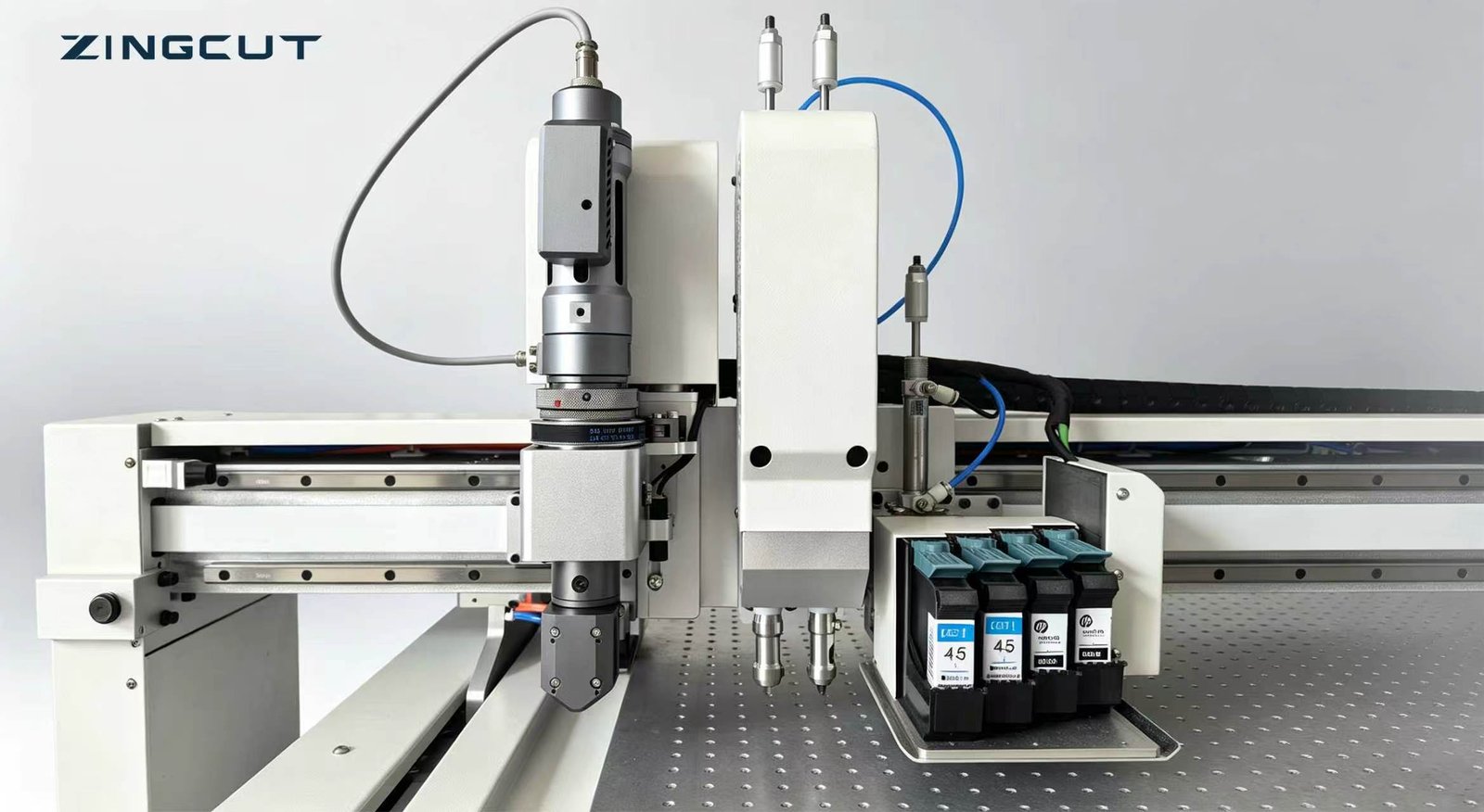
A CNC cutting machine controls the tool path through a CNC system and converts design files into cutting actions. Tool head count affects order-change rhythm, process continuity, and investment scale; knife type directly determines cut quality, edge finish, and consumable costs.
2.1 Choosing Between Single and Multiple Tool Heads
Single-head machines are simple, lower in investment, easy to maintain, and space-saving. They suit single-process production with infrequent tool changes, but tool changes become a bottleneck when cutting, creasing, and kiss-cutting run continuously. Multi-head or tool-magazine machines complete multiple processes in one setup and suit factories with many varieties and frequent order changes, but cost more and require more complex commissioning. Choose by process count, order-change frequency, and payback period—not by head count. For small-batch sampling, a small cardboard cutting machine with a single head and quick-change holder is often more practical than a large multi-head machine.
2.2 Recommended Knives for Common Packaging Applications
Knife selection directly affects edge quality, cutting efficiency, and consumable costs. Common combinations are listed below.
· Vibrating knife — thick corrugated, honeycomb, grey board; clean thick cuts; first choice for thick board.
· Scoring knife — thin board, cardboard, laminated board; smooth edges; watch blade wear.
· Creasing knife — carton fold lines; presses without cutting through; control depth.
· Round knife — strip cutting/slitting; continuous straight cuts; preferred for strips.
· Universal Cutting knife — surface/label cutting; cuts top layer only; control depth.
| Kinfe Type | Suitable Materials/Scenarios | Cutting Characteristics | Selection Advice |
|---|---|---|---|
| Oscillating Knife | Triple/double-layer corrugated,honeycomb board,thick grey board | High-frequency vibration,clean edges,strong thick- material adaptability | First choice for thick board;check power and shaft rigidity |
| Scoring Knife | Thin board,cardboard,laminated board | Blade drag cutting,smooth edges | Efficient for thin materials;watch blade wear |
| Creasing Knife | Carton fold lines,creasing | Presses drag lines without cutting through | Use with cutting;control creasing depth |
| Round Knife | Strip cutting,specific slitting | Continuous rolling cut for straight slitting | Preferred for strip output |
| Universal Cutting knife | Surface cuutting,label-type processes | Cuts only the top layer | For fine processes;control depth |
In practice, tool heads are combined by order process—for example, “vibrating knife + creasing knife” for cartons, or “drag knife + kiss-cut knife” for laminated board. List your regular processes and confirm the machine’s tool head combination can cover them.
3. What Packaging Producers Care About Most
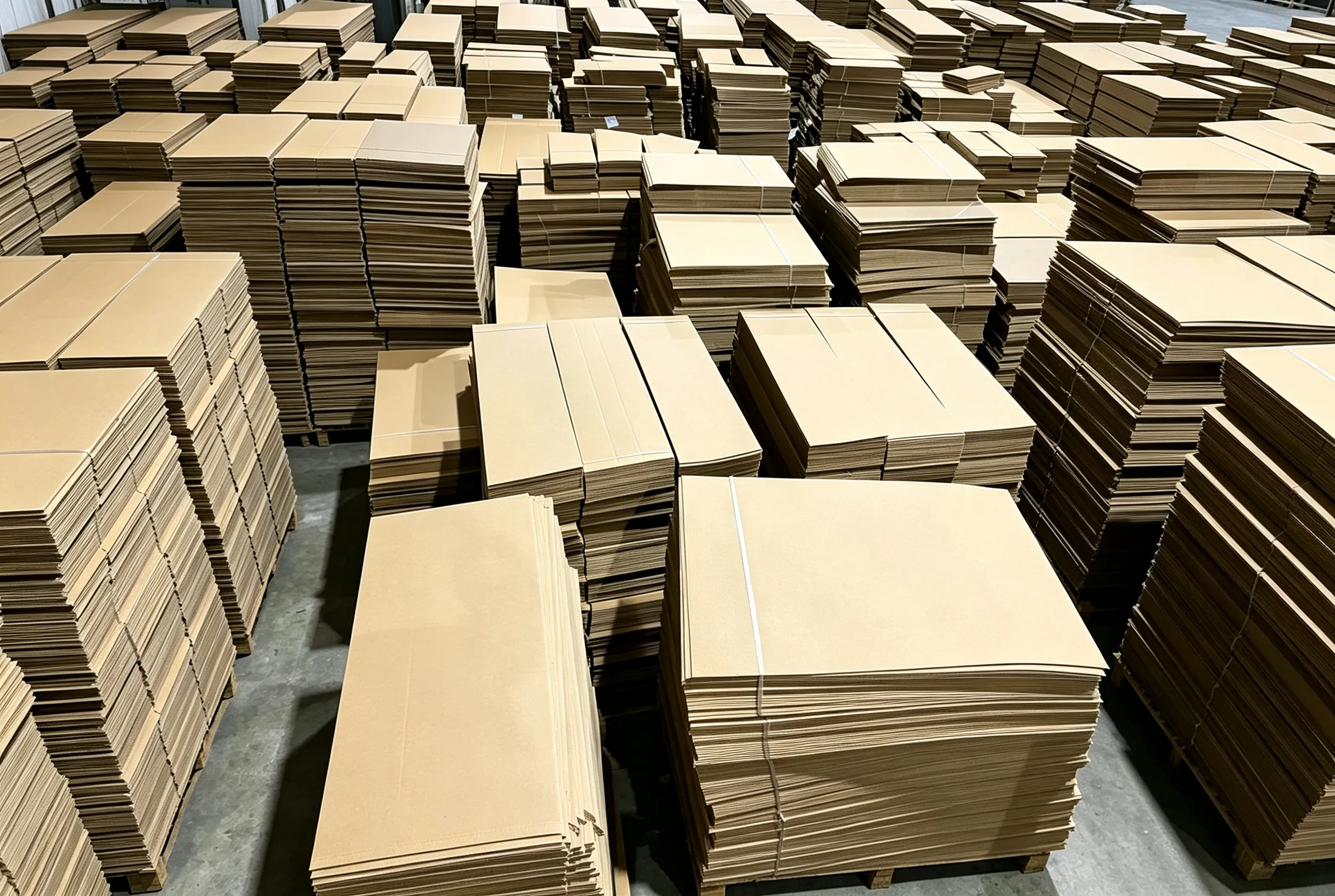
Packaging producers evaluate a cutting machine by daily production outcomes, not catalogue features. Their main concerns are:
· Saving material — board cost is continuous, so nesting and layout efficiency matter on every sheet.
· Changing orders quickly — frequent changeovers must not become a bottleneck.
· Cutting accurately — file import quality and machine precision affect rework and delivery.
· Easy cleaning — debris buildup disturbs vacuum hold-down and edge quality.
· Fast operator onboarding — complicated software lengthens training and increases shift-to-shift variation.
These concerns repeat every shift and interact: poor file compatibility creates rework, debris affects cut quality, and complicated operation raises training cost. This chapter addresses file import, material layout, debris control, and operator onboarding in daily work order.
3.1 File Compatibility (PDX/PLT)
Our software supports PDX and PLT formats, covering common packaging design outputs and cutting path files. During import, it automatically checks path closure, dimension units, and duplicate lines, reducing rework caused by “the file opens but the cut is wrong.” This means orders can be scheduled directly once received, without extra file conversion.
3.2 Material Savings
Automatic layout and nesting arrange multiple order shapes on a full sheet through rotation, common-line cutting, and remnant utilization to minimize blank waste. For small-batch, multi-variety orders, software nesting delivers a high-utilization solution within seconds. The board saved is a continuous cost and often outweighs the difference in machine purchase price over time.
3.3 Difficult-to-Clean Debris After Cutting
Manual cleaning of cardboard debris and dust takes downtime and can disturb vacuum hold-down, causing board displacement and uneven cuts. We recommend a ZingCut dust extractor with matching Zingcut Accessories to extract debris during cutting, keeping the table clean and the vacuum stable while reducing cleaning downtime.
3.4 Whether New Operators Can Get Up to Speed Quickly
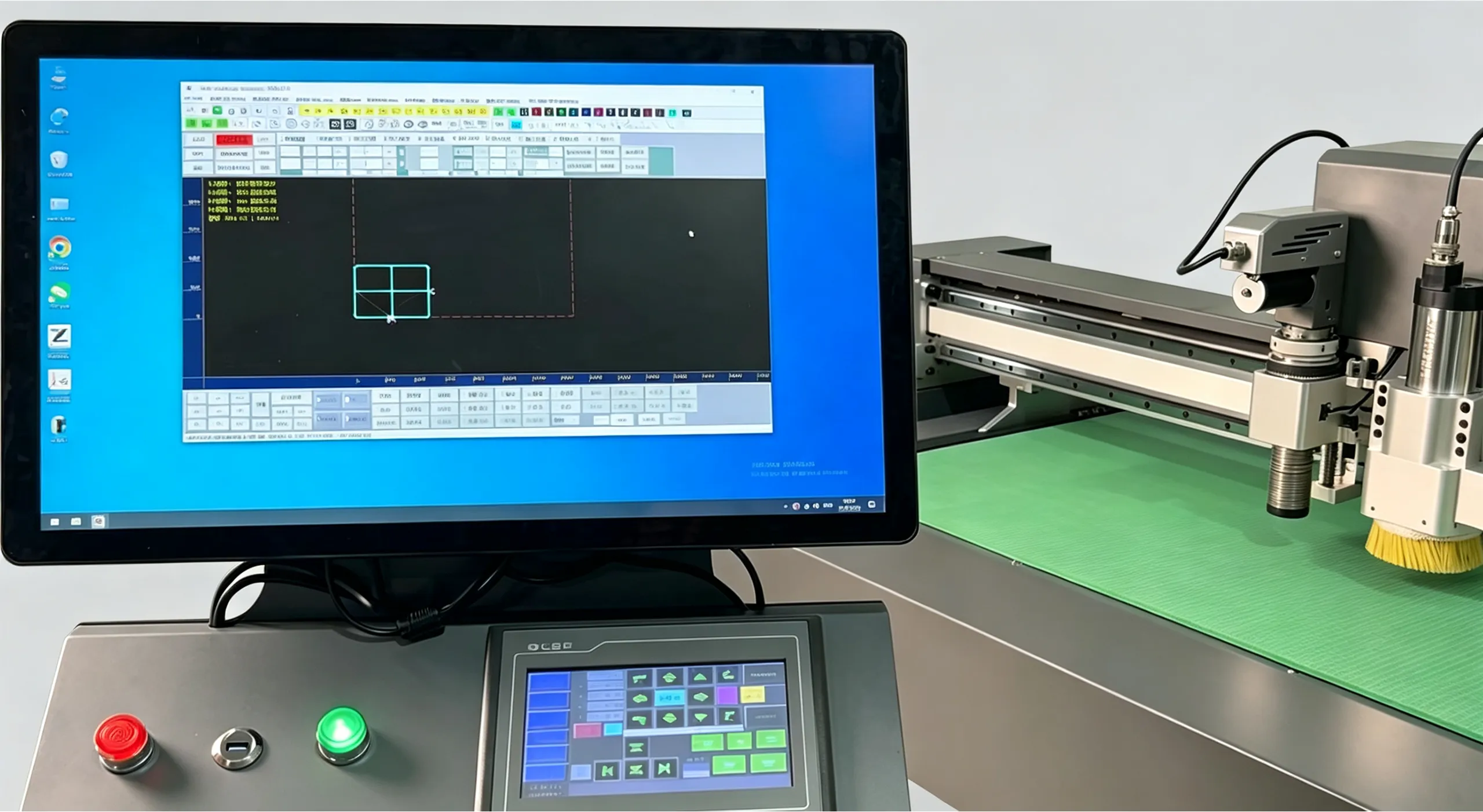
Our software follows the actual workflow of “select board—select knife—set parameters—nest—cut,” with one-click recall of common processes and clear alarm causes. Machine operation is simplified to reduce unnecessary commissioning steps. With training and remote assistance, new operators can usually handle order changes and daily cutting independently within a short period, reducing dependence on skilled workers.
4. Why Software Is the Hidden Productivity Driver
Hardware determines whether you can cut; software determines whether you cut economically, quickly, and consistently. Two machines with similar frames and tool heads can perform very differently once files arrive, layouts are nested, and operators change orders under time pressure. Software is where file compatibility, material utilization, and training cost are decided, yet it is often the least examined part of a purchase. This chapter focuses on file import quality, layout savings, and operating simplicity.
4.1 File Compatibility and Import Quality
Our software supports PDX and PLT formats and directly accepts common packaging design and cutting files. PDX files carry process information, while PLT files carry cutting paths. The software automatically checks path closure, dimension units, and duplicate lines during import, so operators do not need to edit files manually before cutting. Correct imports mean faster scheduling and fewer rework and delivery delays.
4.2 How Layout Functions Save Material
Layout functions hand the arrangement process from manual experience to software. Based on sheet size and shape dimensions, the software automatically rotates, nests, and applies common-line cutting, using remnant areas for small parts to maximize sheet utilization. For multi-variety, small-batch orders, automatic layout delivers a high-utilization solution within seconds instead of relying on slow manual trial and error. Because board cost is continuous, the material saved accumulates into significant profit as order volume grows.
4.3 How Simple Operation Helps Reduce Training Costs
Our software turns common processes into parameter templates, so operators recall the matching board and knife template, make fine adjustments, and start cutting without trial-cutting from scratch. The interface follows the production workflow, and alarms point clearly to causes, reducing pauses when problems occur. With training materials and remote assistance, onboarding is shorter, factories rely less on a few skilled workers, and production fluctuations from staff turnover are reduced.
5. Why Choose Us
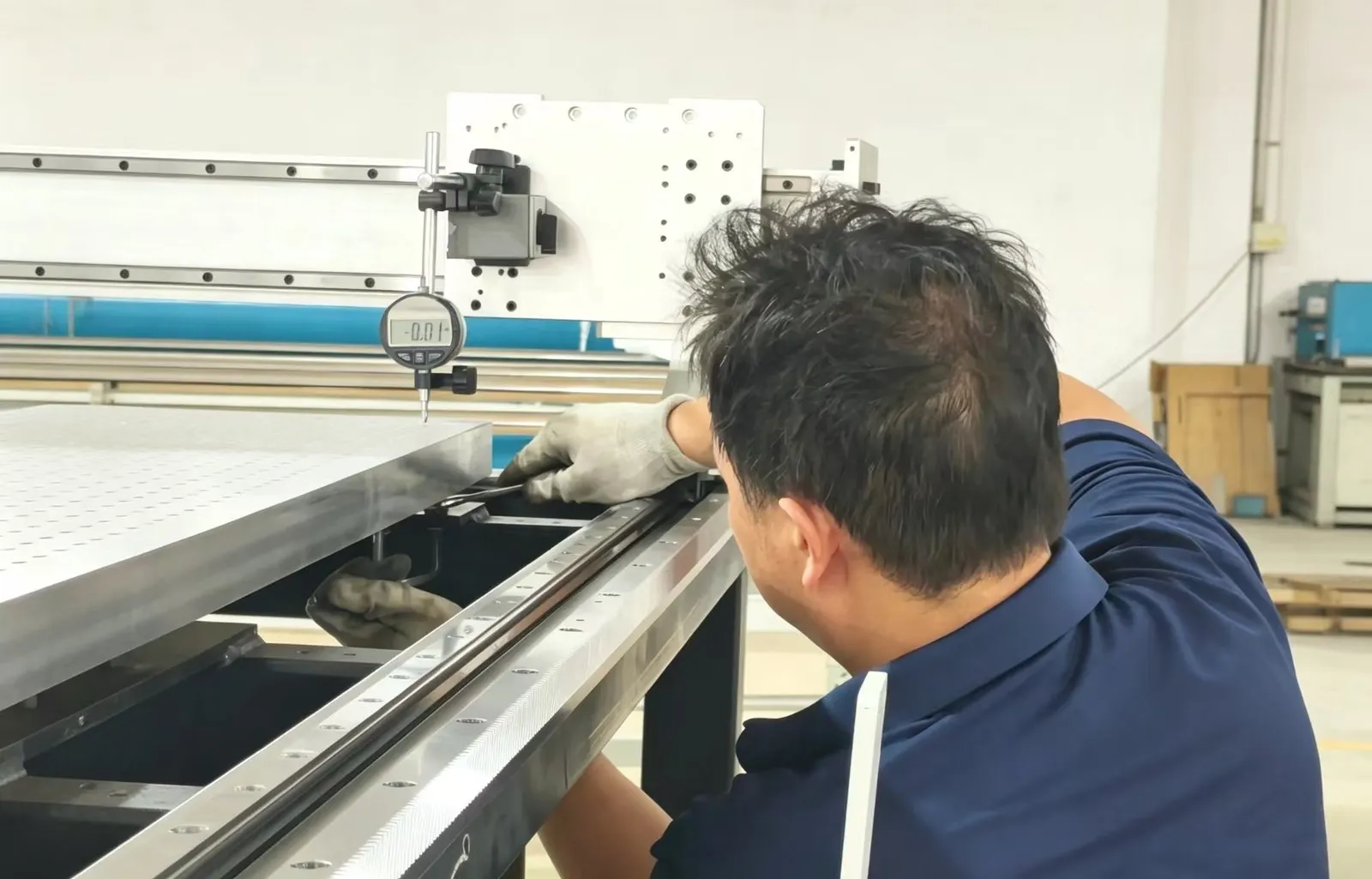
Choosing equipment means choosing a long-term production relationship. A cardboard cutting machine will face your board, orders, and delivery schedules for years, so a supplier’s response in price, solution, and service matters more than any single specification. The key is whether the supplier can configure around your actual production, prove it on your material before purchase, and respond quickly when needed. This chapter explains our approach to cost-effectiveness, pre-purchase testing, and after-sales response.
5.1 High Cost-Effectiveness
Low-priced equipment often compromises on precision retention, frame rigidity, tool life, and after-sales response; savings at purchase are later paid back through downtime, rework, and consumables. Over-configured models leave functions unused and stretch the payback period. We first understand your board types, order batches, and process requirements, then configure the working area, tool heads, and software modules accordingly, spending money where it truly affects efficiency and yield. Cost-effectiveness is a reasonable balance between investment and output under your production conditions, not the lowest price.
5.2 We Support Pre-Purchase Material Testing and Customized Models
Cutting results must be verified on your material, not in a showroom. We support pre-purchase material testing: provide your actual board, thickness, and typical shapes for trial cutting, and observe edge quality, dimensional consistency, and continuous operation stability before deciding on configuration. Working area, tool head combinations, and software modules can be customized to your order structure, avoiding a standard model that is “just a little short.” Verify first, then order—this reduces selection risk and helps the equipment enter stable production faster.
5.3 Fast After-Sales Service
Equipment value is realized on the production line, and downtime losses are counted by the hour. We combine remote support with on-site service: common issues are quickly diagnosed remotely, and faults requiring attendance are responded to within agreed timeframes. Knives, knife holders, and vacuum pump consumables are kept in stable supply, avoiding hidden downtime wh
6.Conclusion
The right cardboard cutting machine is the one that, under your board, orders, site, and budget conditions, achieves steady hold, accurate cutting, fast changeover, material savings, and reliable support all at once.